


I fell into a GitHub repo yesterday that solves a problem I didn’t even know was draining my time, and now I can’t stop thinking about it. MagicPods is an open‑source tool that brings native AirPods integration to Windows, including the battery popup and auto‑pause features that Apple users take for granted. It entirely removes the friction of using Apple audio gear on a PC.
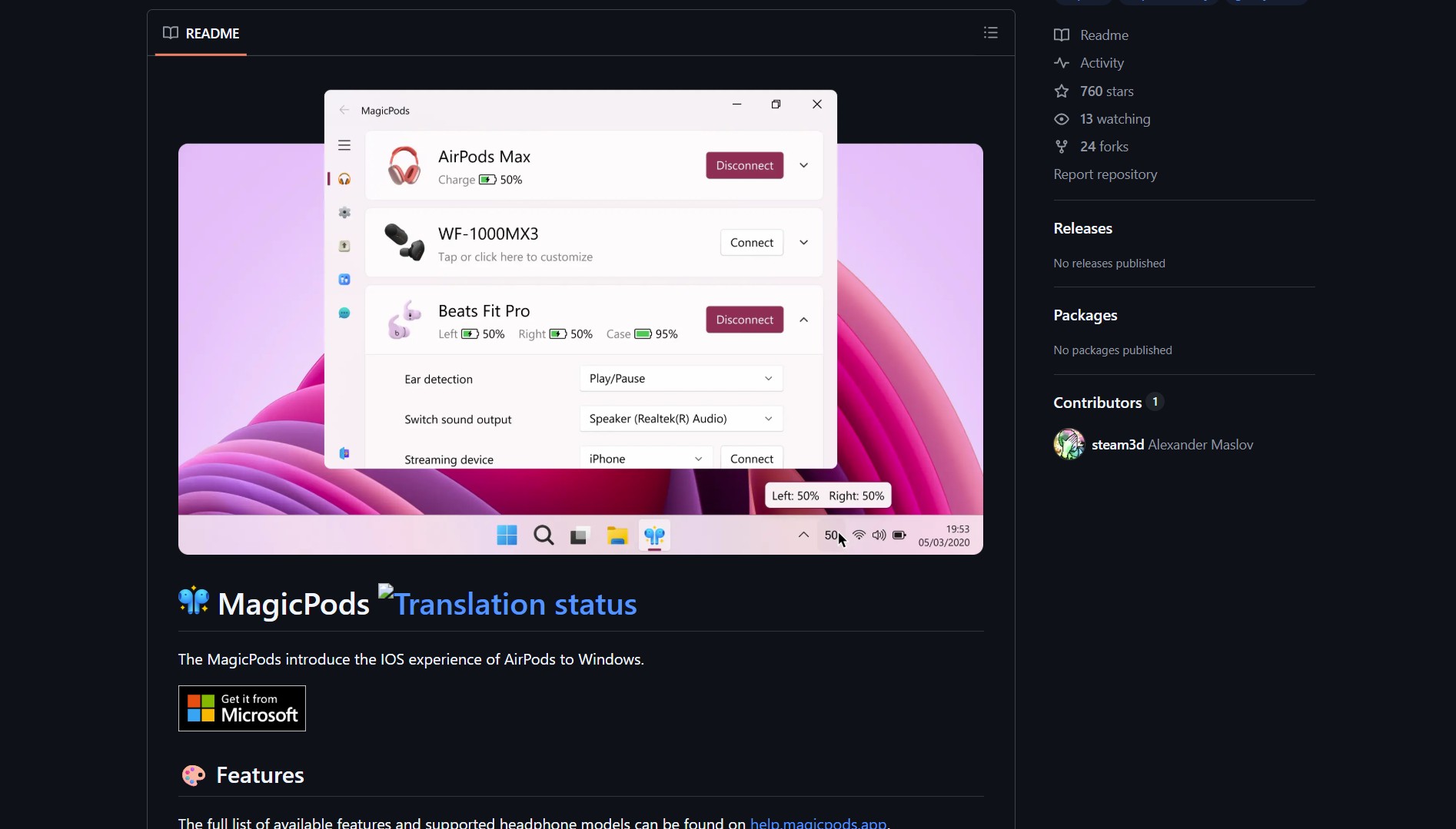 MagicPods GitHub repository homepage
MagicPods by steam3d is for Windows users with AirPods, solving the problem of missing native integration by bringing Apple‑like features (battery status, auto‑pause) to PC. No more guessing battery levels or manually pausing when you remove an earbud.
What Is MagicPods?
MagicPods is a free, open‑source Windows application that adds macOS‑style AirPods integration to Windows 10 and 11. It provides real‑time battery status popups, automatic pause/play when removing or inserting earbuds, and seamless connection management, all through a lightweight system tray utility.
[!NOTE] The tool works with all AirPods models (AirPods 1/2/3, AirPods Pro, AirPods Max) and most Windows‑compatible Bluetooth adapters. It runs quietly in the background, requiring no configuration after initial setup.
Features & How It Works
| Feature | Description |
|---|---|
| Battery Popups | macOS‑style popups showing individual earbud and case battery levels |
| Auto‑Pause | Automatically pauses audio when you remove an earbud, resumes when re‑inserted |
| Connection Management | Quick connect/disconnect from system tray |
| Lightweight | Minimal resource usage, runs as a background service |
| Open Source | Full source available on GitHub, MIT licensed |
Installation & Setup
- Download the latest release from the GitHub repo
- Run the installer (requires .NET 6.0 Runtime if not already installed)
- Pair your AirPods with Windows Bluetooth settings as usual
- MagicPods automatically detects them and starts providing enhancements
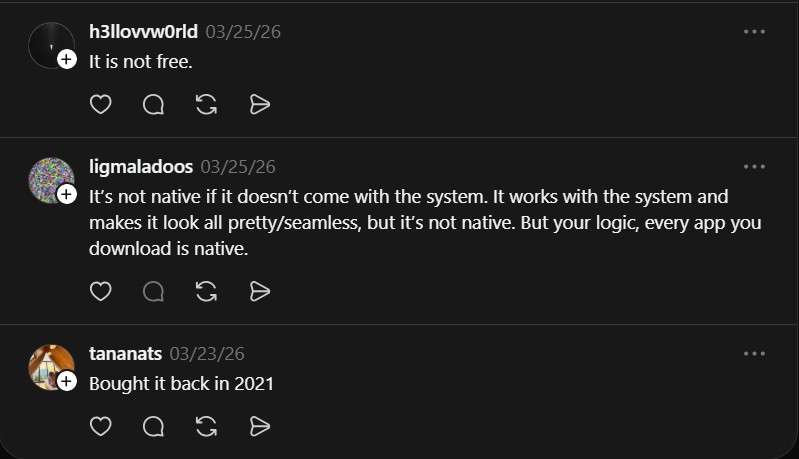 Community discussion about MagicPods’ “native” integration claims
Community Reaction & Technical Nuance
“It’s not native if it doesn’t come with the system. It works with the system and makes it look all pretty/seamless, but it’s not native. But your logic, every app you download is native.” , @ligmaladoos
The debate about what constitutes “native” integration highlights an important point: MagicPods fills a gap that Microsoft and Apple have left open. While not built into Windows, it provides the seamless experience that users expect when using premium audio hardware across platforms.
Why This Matters for Cross‑Platform Users
For the growing number of people who use Windows PCs with Apple accessories, MagicPods solves several practical problems:
- Battery Anxiety Elimination: No more sudden disconnections due to dead batteries you couldn’t monitor.
- Productivity Preservation: Auto‑pause prevents audio leakage when removing an earbud during conversations.
- Ecosystem Bridge: Makes high‑end Apple accessories fully functional in Windows environments.
- Cost Savings: Avoids buying separate Windows‑optimized headphones when you already own AirPods.
Project Link
Related Open Source Tools
If you like projects that extend hardware capabilities with custom software, you should see Ground Station, a tool for tracking satellites and decoding radio signals directly from space.
MagicPods exemplifies how open‑source tools can smooth over the rough edges between competing tech ecosystems. By providing what the platform vendors haven’t, it turns a frustrating cross‑platform experience into a seamless one, proving that sometimes the best solutions come from the community rather than the corporations.